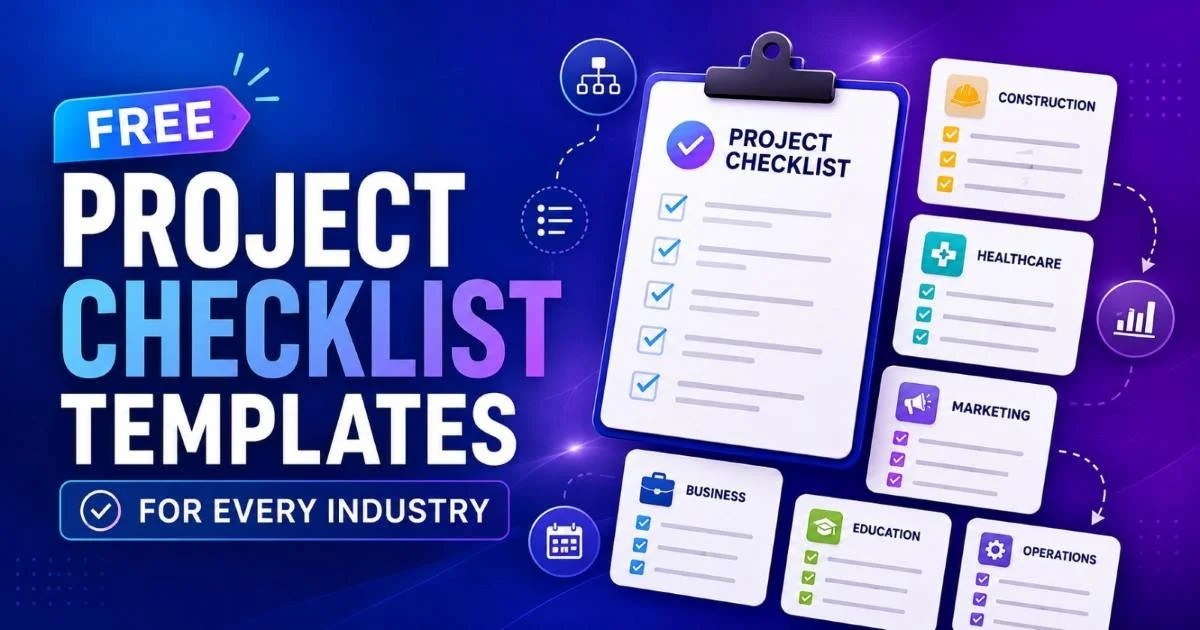
Free project checklist templates for every industry can transform how your team plans, executes, and delivers work. Whether you're managing a construction build-out, launching a marketing campaign, or preparing for a compliance audit, having a ready-made checklist eliminates the guesswork that leads to missed deadlines and overlooked tasks.
Project managers and team leads often spend hours building tracking documents from scratch, only to realize they forgot a critical step midway through execution.
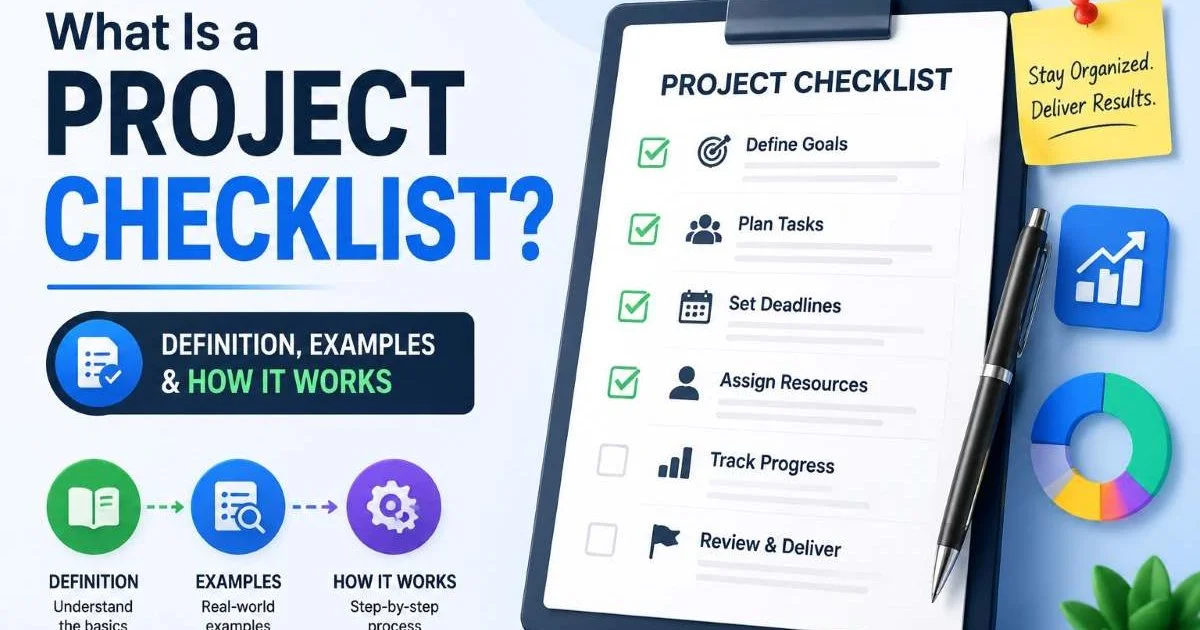
The right template saves that time and reduces risk. If you're new to the concept, understanding what a project checklist is and how it works will give you a solid foundation. This guide walks you through finding, customizing, and deploying templates that actually fit your workflow, regardless of your sector or team size.
Key Takeaways
- Industry-specific templates prevent missed steps that generic checklists often overlook.
- Customizing a template takes less time than building one from scratch.
- Digital checklist tools allow real-time collaboration across distributed teams.
- Audit checklists and project checklists serve different purposes and need different structures.
- Reusing proven templates builds institutional knowledge your team can rely on.
Step 1: Identify the Right Template Category for Your Industry
The biggest mistake teams make is grabbing a generic project management template and hoping it fits their needs. A software development team tracking sprint deliverables needs a fundamentally different structure than a healthcare team managing patient onboarding compliance. Start by identifying what category your work falls into. Construction, IT, marketing, healthcare, finance, education, and manufacturing each have unique regulatory requirements, stakeholder groups, and risk factors that should shape your checklist's architecture.
Common Template Categories by Sector
Construction teams typically need templates covering permits, safety inspections, material procurement, and phased milestone tracking. IT and software teams benefit from templates structured around development sprints, QA testing cycles, deployment checklists, and incident response procedures. Marketing teams should look for templates that cover campaign planning, content calendars, A/B testing workflows, and post-launch analytics review. Much like testing and optimizing email templates, the key is matching the structure to the specific outcomes you need.
For regulated industries like healthcare and finance, your template must incorporate an audit checklist component. Compliance items, documentation requirements, and approval gates need their own dedicated sections. Understanding the key differences between audit checklists and project checklists will help you structure these correctly. Don't try to blend compliance tracking with task management in a single flat list; it creates confusion and increases the chance of oversight.
Search for templates labeled with your industry name plus "checklist template" to find pre-built options that already include sector-specific requirements.
Free project checklist templates for every industry are available through tools like Checklist Generator, Google Sheets template galleries, and open-source project management platforms. The key is starting with a template that was designed for your sector, then refining it. A construction punch list template, for instance, already knows you need columns for deficiency descriptions, responsible subcontractors, and reinspection dates. That built-in structure saves you from reinventing the wheel.
Step 2: Customize Templates to Match Your Workflow
A downloaded template is a starting point, not a finished product. Every team has unique processes, approval hierarchies, and communication norms that a generic template can't anticipate. The customization step is where you transform a decent template into a powerful operational tool. Begin by mapping your actual workflow against the template's structure. Identify gaps where your process includes steps the template doesn't cover, and remove items that don't apply to your situation.
Adjusting Task Granularity
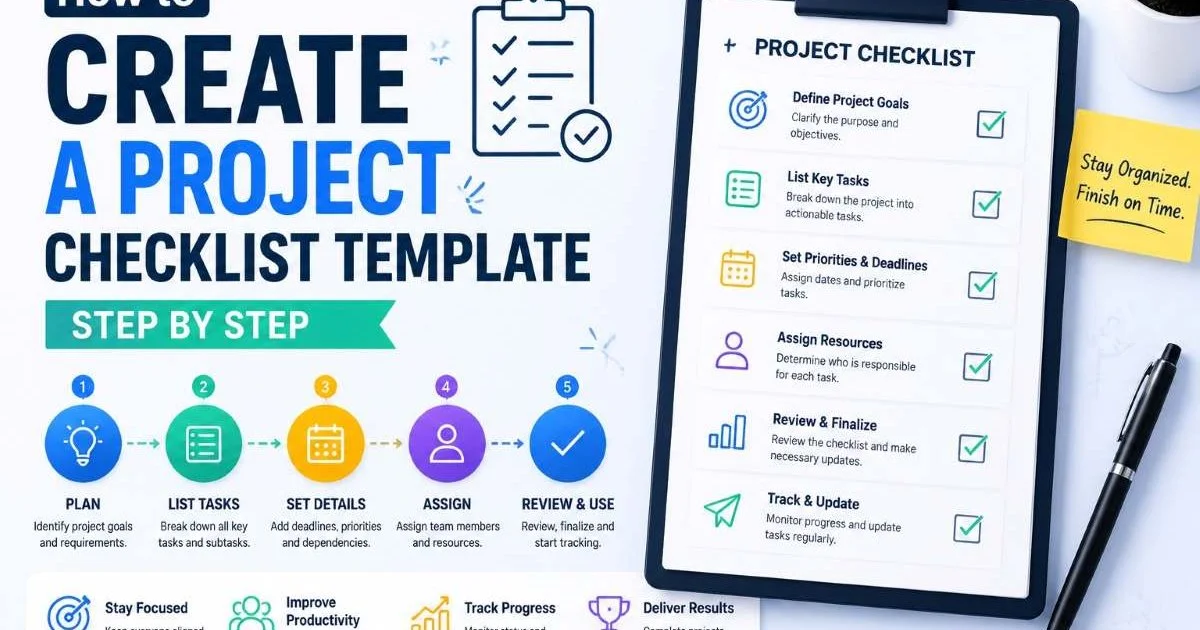
One of the most common problems with off-the-shelf templates is task granularity. Some templates list "Complete testing" as a single line item, when your team actually has twelve distinct testing phases. Others break down tasks so finely that the checklist becomes overwhelming. If you're learning how to create a project checklist template step by step, you already know that the right level of detail depends on your team's experience and the project's complexity.
Add columns or fields that match your reporting needs. Most project managers need at minimum: task name, owner, due date, status, and notes. More complex projects benefit from priority levels, dependency indicators, and percentage-complete fields. For teams using task management software, structure your checklist template so it can be imported directly into your tool. This eliminates the double-entry problem where someone maintains both a spreadsheet and a project board, and the two inevitably fall out of sync.
| Field | Purpose | Best For |
|---|---|---|
| Task Name | Describes the specific action item | All industries |
| Owner | Assigns accountability to one person | All industries |
| Due Date | Sets deadline for completion | All industries |
| Priority Level | Ranks urgency (High/Medium/Low) | IT, Marketing |
| Dependency | Links tasks that must finish first | Construction, Software |
| Compliance Flag | Marks regulatory requirements | Healthcare, Finance |
| Approval Gate | Requires sign-off before proceeding | Manufacturing, Government |
Don't add more than ten columns to a checklist template. Information overload reduces adoption rates, especially for field teams who access checklists on mobile devices.
Consider building role-specific views of the same template. A team lead might need visibility into all tasks across workstreams, while an individual contributor only needs their assigned items. Free project checklist templates for every industry often come in a single flat format. Restructuring them into filtered or role-based views significantly improves daily usability, particularly for small teams juggling multiple responsibilities.
Step 3: Implement Templates Across Your Team
A perfectly designed checklist template is worthless if your team doesn't actually use it. Implementation requires more than emailing a file attachment and hoping for the best. You need a rollout strategy that includes a brief walkthrough of the template's structure, clear expectations about update frequency, and a designated owner who keeps the master version current. Treat the template launch like a mini-project of its own, with specific dates for training, adoption, and first review.
Digital vs. Manual Distribution
For distributed or remote teams, digital templates hosted on shared platforms are the only practical option. Tools like Checklist Generator let you create, share, and track checklists in real time. Physical checklists still have a place in environments like construction sites, manufacturing floors, and clinical settings where digital access is limited. The best approach for many teams is a hybrid model: a digital master template with printable versions for field use that get reconciled at the end of each day or shift.
"The best checklist is the one your team will actually fill out every single day."
Set expectations about update cadence from the start. Daily checklists work well for operational teams with recurring tasks, and every project manager benefits from a daily checklist to stay on top of shifting priorities. Weekly checklists suit project milestones and reporting cycles. Monthly or quarterly checklists are appropriate for audit and compliance reviews. Match the cadence to the work rhythm, and you'll see adoption rates climb instead of watching another well-intentioned tool gather dust.
Schedule a 15-minute weekly review where the team walks through the checklist together. This builds accountability and surfaces blockers early.
Small teams face unique adoption challenges because each person typically wears multiple hats. If you're leading a lean operation, review some task management checklist tips for small teams to keep things practical without creating administrative overhead. The goal is a template lightweight enough for daily use but structured enough to catch problems before they cascade. Resist the temptation to add every possible field; start minimal and expand only when the team identifies a genuine gap.
Step 4: Iterate and Improve Your Templates Over Time
Your first version of any template will be imperfect, and that's fine. What matters is building a feedback loop that captures lessons learned and incorporates them into the next iteration. After each project phase or cycle, schedule a brief retrospective focused specifically on the checklist. Ask your team three questions: What items were unnecessary? What steps were missing? What format changes would make the checklist easier to use? Document the answers and update the template before the next cycle begins.
Tracking Template Performance
Quantitative tracking gives you hard data to guide template improvements. Track metrics like completion rates (what percentage of checklist items get marked done on time), escalation frequency (how often tasks get flagged as blocked), and rework incidents (how many completed items need correction). If completion rates are below 80%, your template likely has too many items or unclear task descriptions. If rework is high, the checklist may be missing quality checkpoints.
Free project checklist templates for every industry should be treated as living documents. Version control matters here. Name your files with dates or version numbers so you can always trace back to earlier iterations if a change doesn't work out. Store templates in a central, accessible location, whether that's a shared drive, a wiki, or a dedicated checklist platform. The institutional knowledge embedded in a well-maintained template library is one of the most underrated assets a project management team can build.
Never delete old template versions. Archive them instead. You may need to reference previous structures for compliance audits or post-mortem investigations.
Over time, your template library will grow to cover recurring project types, seasonal workflows, and cross-departmental processes. Free project checklist templates for every industry provide the seed, but your team's real-world experience is what transforms them into reliable, battle-tested tools. Encourage team members to suggest template modifications through a simple form or Slack channel. The more ownership people feel over the checklist, the more consistently they'll use it.
Frequently Asked Questions
?How do I customize an industry template without rebuilding it from scratch?
?Should I use one template for both compliance audits and project tasks?
?How long does it realistically take to deploy a checklist template across a team?
?Is a generic project management template good enough if I'm not in a regulated industry?
Final Thoughts
Free project checklist templates for every industry give project managers and team leads a practical shortcut to better execution. The real value comes not from the template itself, but from how you select, customize, implement, and refine it over time.
Start with a sector-specific template, adapt it to your workflow, roll it out with clear expectations, and build a feedback loop that keeps it current. That simple four-step process turns a static document into a dynamic tool that improves with every project you deliver.
Disclaimer: Portions of this content may have been generated using AI tools to enhance clarity and brevity. While reviewed by a human, independent verification is encouraged.