Top task management checklist tips can transform how small teams plan, execute, and deliver projects without the chaos that often comes with limited resources. When you have fewer than ten people on a team, every missed step costs more. A forgotten approval, an overlooked dependency, or a skipped quality check can derail a week's worth of progress.
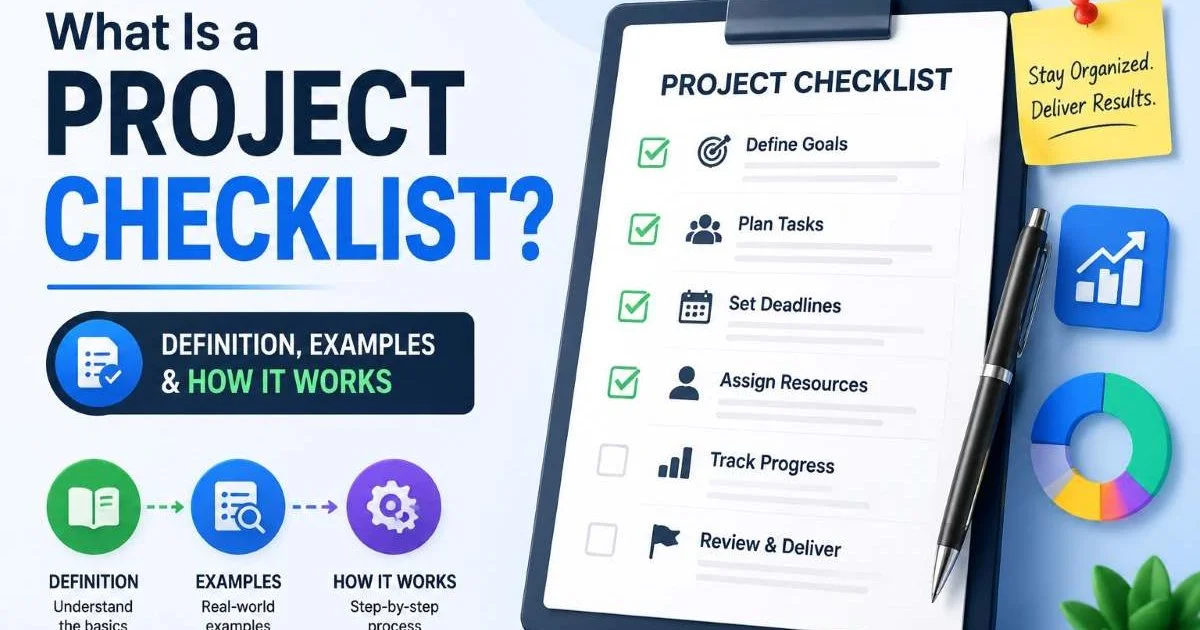
Project managers and team leads who adopt structured checklists report fewer errors and faster turnaround times. The key is not just having a checklist but building one that matches your team's actual workflow. If you're new to this concept, understanding what a project checklist is and how it works gives you a solid foundation. This guide walks you through four actionable steps to get your task management checklists right from day one.
Key Takeaways
- Small teams benefit most from checklists that map directly to their actual daily workflows.
- Every checklist item should have one clear owner and a specific deadline attached.
- Use templates to save time, but customize them for each project's unique requirements.
- Regular audit cycles catch outdated checklist items before they cause downstream problems.
- Automating checklist generation reduces manual effort and keeps formatting consistent across projects.

1. Design Checklists Around Your Team's Workflow
Map Your Recurring Task Patterns
The biggest mistake small teams make is copying a generic task management checklist from the internet and expecting it to fit. Your team has specific handoff points, approval chains, and communication habits that a one-size-fits-all list cannot capture. Start by documenting your last three completed projects. Write down every step that happened, including the ones that were informal or unspoken. These invisible tasks, like "ping the designer for final assets" or "update the shared drive," are exactly the items that need explicit checklist spots.
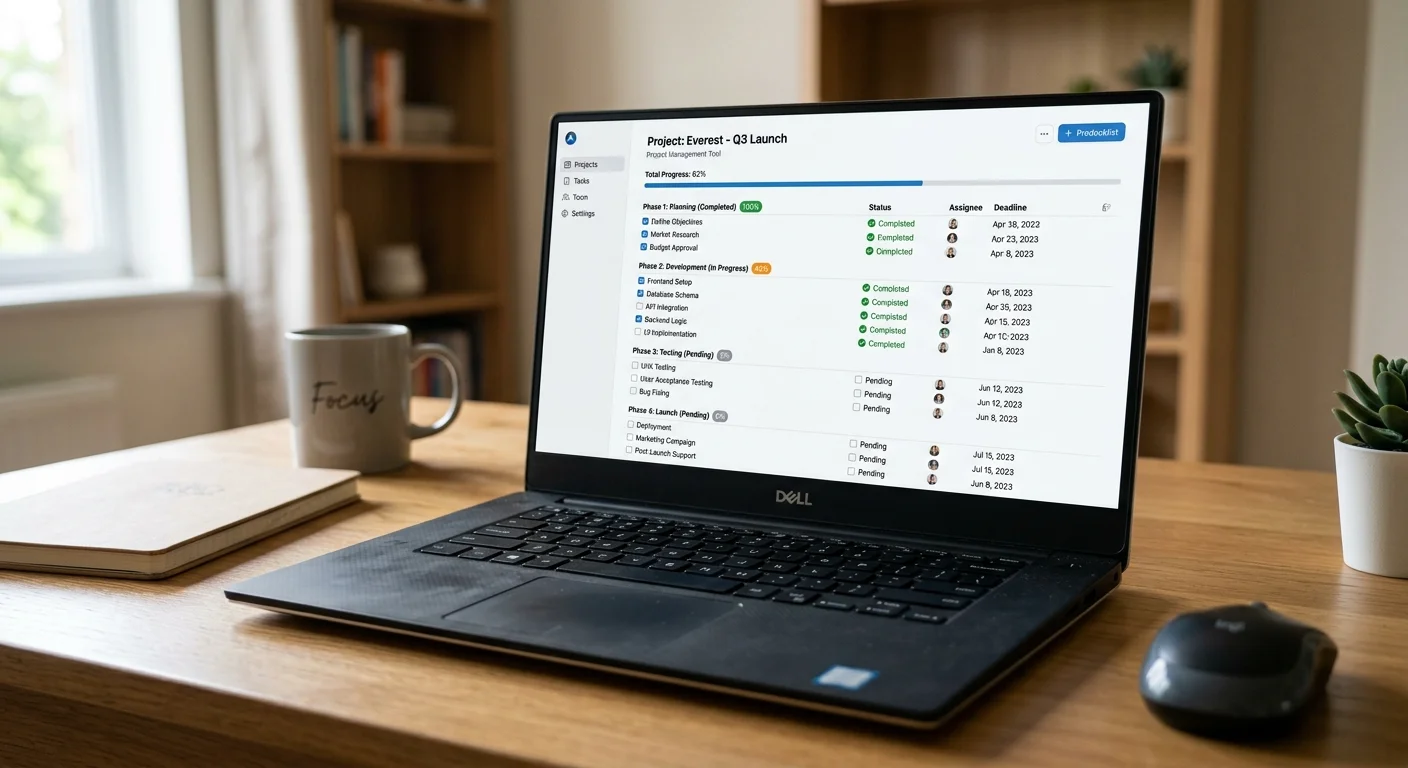
Once you have those patterns mapped, group them into phases. A typical small team project might have four phases: planning, execution, review, and delivery. Within each phase, list the specific actions your team actually takes. For example, your planning phase might include "create project brief," "confirm budget with finance," and "schedule kickoff call." This level of specificity is what separates a useful checklist from a decorative one. According to research, teams that document their processes see measurable efficiency gains.
Assign Ownership to Every Item
A checklist item without an owner is a checklist item that won't get done. On small teams, people often assume someone else will handle ambiguous tasks. Combat this by adding a name next to every single line item. Not a role, not a department, but a person's name. When Sarah knows she's responsible for "verify staging environment before launch," there's no room for the bystander effect. This ownership model also makes standups faster because each person can report on their specific checklist items.
Pair each owned item with a deadline or a trigger event. Some tasks are date-driven ("submit compliance form by Friday"), while others depend on a predecessor ("begin QA after development completes Sprint 3"). Both types need to be explicit in the checklist. Small teams often rely on verbal coordination, but as projects grow even slightly more complex, that informal system breaks. Written ownership and timing convert your checklist from a passive reference into an active management tool.
Use initials next to each checklist item in shared documents so ownership is visible at a glance without cluttering the layout.
2. Build Reusable Checklist Templates
Start With a Core Template
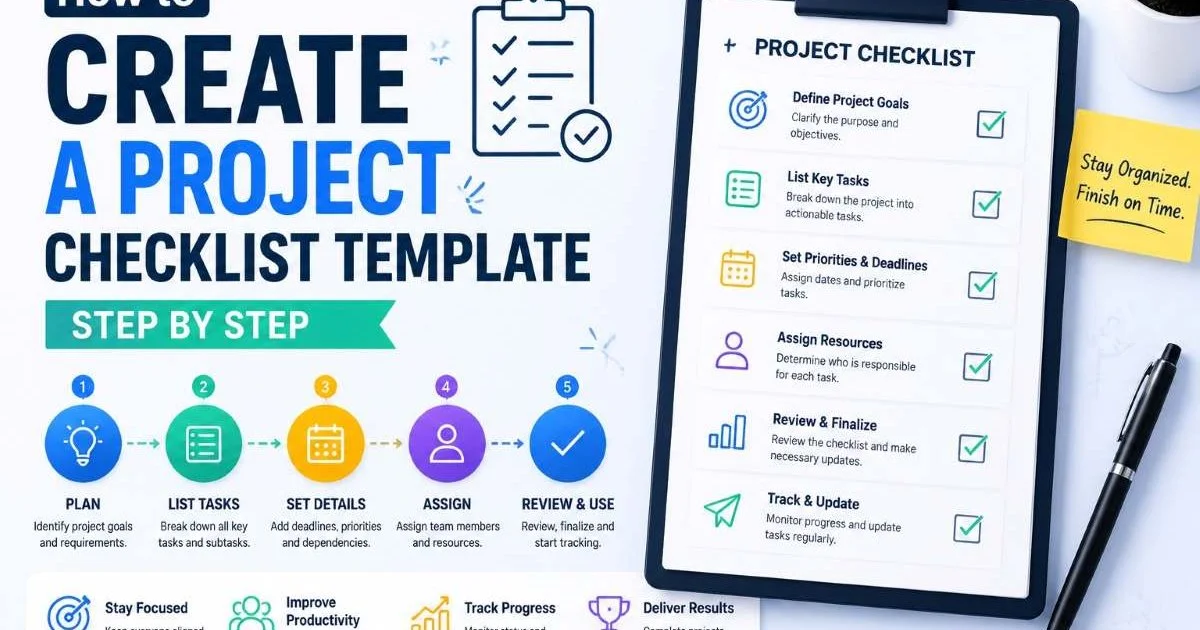
Creating a checklist from scratch for every new project wastes time your small team doesn't have. Instead, build a core checklist template that captures the 70% of steps common across all your projects. This base template should include universal items like stakeholder notification, resource allocation confirmation, risk assessment, and post-delivery review. If you need a structured walkthrough, learning how to create a project checklist template step by step will save you hours of trial and error on the formatting and logic.
Your core template acts as a safety net. Even when a project feels routine, the template reminds you of steps that are easy to skip under time pressure. Teams at agencies, for instance, often forget to update their CRM after project completion because it's not part of the "exciting" work. A template catches that. Store your core template somewhere accessible to the entire team, whether that's a shared workspace, a project management tool, or a generator like Checklist Generator.
Customize Per Project Type
Once your core template exists, create variants for each project type your team handles. A website launch checklist will differ significantly from a content campaign checklist or an internal process overhaul. For each variant, keep the universal items from your core and add the specialized ones. A web project might add items like "run SSL certificate validation" (tools like SSL certificate checkers make this quick) and "test responsive breakpoints." A content project might include "confirm SEO keyword targeting" and "schedule social distribution."
You can also explore free project checklist templates for every industry to find starting points for verticals you serve. The goal is not to have twenty different templates but to have three to five that cover your team's most common project types. Each variant should be reviewed quarterly to stay current with your evolving processes and tools.
3. Integrate Audit Checkpoints Into Your Process
Schedule Mid-Project Reviews
Checklists lose their power if nobody reviews them until the project is over. Build audit checkpoints directly into your project timeline. A mid-project review, even a 15-minute one, lets you verify that completed items were actually done to standard, not just checked off. This is especially important for small teams where one person often handles multiple roles. When your developer is also your QA tester, a second set of eyes on the checklist catches blind spots that self-review misses.
Schedule these reviews at natural transition points. When you move from planning to execution, pause and audit the planning checklist. When execution wraps and review begins, audit again. These checkpoints don't add bureaucracy; they prevent the far more expensive rework that happens when issues surface during delivery. Understanding the key differences between audit checklists and project checklists helps you structure these reviews properly so they complement rather than duplicate your project tracking.
"A checklist that nobody audits mid-project is just a wish list with checkboxes."
Use Audit Checklists for Quality Gates
Quality gates are specific points where work must meet defined criteria before proceeding. For a small team, these gates prevent costly late-stage discoveries. Create a separate audit checklist for each gate. Before a client presentation, for example, your gate checklist might include "all data verified," "slides reviewed by a second team member," and "backup plan documented for tech failures." These are not project tasks; they are verification steps that confirm tasks were done correctly.
Keep your audit checklists short, ideally five to eight items per gate. Long audit lists get ignored because they feel like a second round of work. Each item should be binary: it passes or it doesn't. Avoid vague entries like "check quality." Instead, write "confirm all images are minimum 300 DPI" or "verify API response times are under 200ms." This specificity makes the audit meaningful and actionable rather than performative.
Never let the person who completed a task be the sole auditor of that same task. Even on small teams, cross-checking catches errors self-review cannot.
4. Top Task Management Checklist Tips for Continuous Improvement
Run Retrospectives on Your Checklists
Your checklists should evolve with your team. After each project, spend ten minutes reviewing the checklist itself, not just the project outcomes. Ask three questions: Which items were consistently skipped and why? Which items were missing and caused problems? Which items felt redundant? This retrospective approach turns your checklist from a static document into a living tool that gets sharper with every project cycle. Over six months, this practice alone will dramatically improve your top task management checklist tips and overall process maturity.
Document the changes you make after each retrospective. This change log serves two purposes. First, it shows new team members why certain items exist, giving them context rather than arbitrary rules. Second, it creates an institutional memory that survives staff turnover. Small teams are especially vulnerable to knowledge loss when even one person leaves. A well-maintained checklist with a change log preserves operational knowledge that would otherwise walk out the door.
If more than 30% of your checklist items are routinely skipped, the checklist is too long or misaligned with your actual workflow. Trim aggressively.
Automate Where It Counts
Manual checklist creation introduces inconsistency. One project manager formats items as questions, another uses statements, and a third skips sections entirely. Automation solves this. Tools that generate checklists from prompts or templates enforce consistent structure across every project. AI-powered text generation, like the models discussed in this guide on the best LLMs for text generation, can even draft initial checklist items from a project brief, saving your team the blank-page problem.
Automation also handles the repetitive management layer. Recurring tasks like "send weekly status update" or "back up project files every Friday" can be automatically added to new project checklists without anyone remembering to include them. The time savings compound quickly. A team running four concurrent projects with 15 recurring items each saves roughly an hour per week just on checklist setup. That's an hour redirected toward actual project work, which matters enormously when your team is small and every minute counts.
Set up a quarterly "checklist health check" calendar reminder to review all active templates and retire outdated items before they cause confusion.
Frequently Asked Questions
?How do I map recurring task patterns for my small team's checklist?
?Should I use a generic checklist template or build one from scratch?
?How much time does it realistically take to audit and update checklists?
?Is assigning tasks to roles instead of named individuals a problem?
Final Thoughts
Top task management checklist tips are not about adding more process to your team's plate. They're about making the process you already follow visible, repeatable, and improvable. Start by mapping your real workflows, build templates that reflect them, add audit checkpoints for quality, and commit to iterating after every project.
Small teams that treat their checklists as living documents rather than static forms consistently outperform those that don't. The investment is minimal; the payoff is a team that spends less time fixing mistakes and more time doing meaningful work.