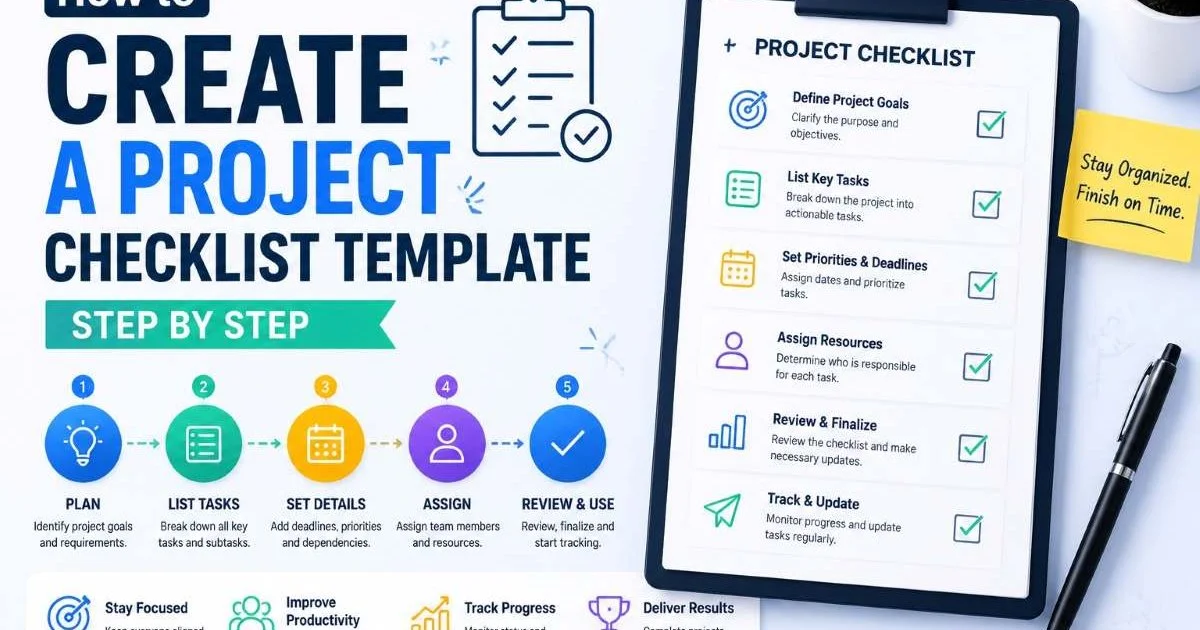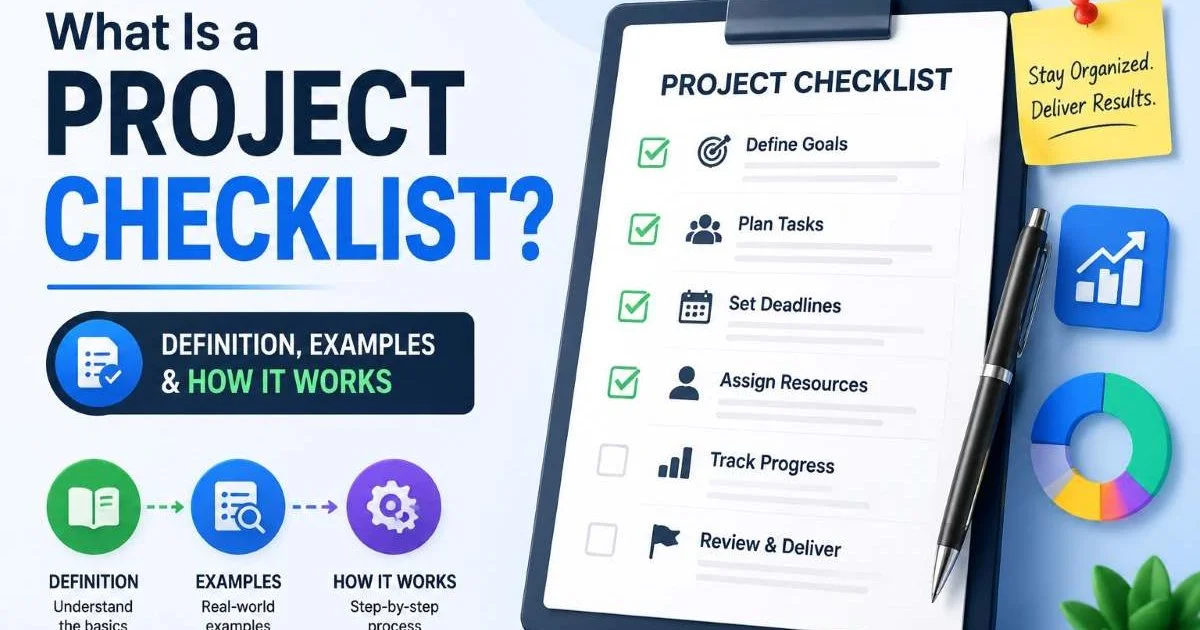
A project checklist is a structured list of tasks, milestones, and requirements that guides a team from the start of an initiative to its completion, with nothing overlooked along the way. If you manage projects, lead a team, or coordinate cross-functional work, you already know the pain of missed steps. A forgotten approval, a skipped QA review, or an overlooked compliance item can derail timelines and budgets.
The stakes are real: according to the Project Management Institute, organizations waste roughly 11.4% of every dollar invested due to poor project performance. A well-built project checklist doesn't just organize work; it protects outcomes. For project managers and team leads, checklists act as a shared source of truth, reducing ambiguity and keeping every contributor aligned.
This article breaks down what checklists are, how they work across different contexts, and why generating them with precision matters more than most people think.
Key Takeaways
- A project checklist reduces missed steps and keeps teams aligned on deliverables.
- Different checklist types serve audits, launches, workflows, and daily operations.
- Templates save time but should always be customized to your specific context.
- Automated checklist generation eliminates the blank-page problem for busy managers.
- Checklists improve accountability by assigning ownership to every single task.

How Checklists Work Across Different Contexts
Anatomy of a Good Checklist
At its core, every checklist follows a simple pattern: a sequential or grouped set of action items, each with a clear owner and a definition of "done." Good checklists break complex work into discrete, verifiable steps. A vague item like "prepare for launch" is useless; a specific item like "verify SSL certificate is active on production domain" is actionable. The difference between a helpful checklist and a decorative one comes down to specificity and context.
Structure matters too. The best checklists group related items under logical phases or categories. For a software release, you might have sections for code review, testing, deployment, and post-launch monitoring. Monday.com's 10-step project checklist guide illustrates this phased approach well, walking through everything from scope definition to stakeholder communication. Each phase becomes its own mini-checklist, which makes even large projects feel manageable.
A good project checklist also includes dependencies and sequencing. Some tasks can't start until others finish. Noting these relationships prevents teams from working out of order and discovering blockers too late. When your checklist reflects the actual workflow, it becomes a lightweight project plan that people will reference daily rather than once and forget.
Types of Checklists You Will Actually Use
The term "checklist" covers a broad range of applications. A task checklist template provides a reusable starting point for recurring work, like onboarding a new hire or publishing a blog post. An audit checklist helps you systematically evaluate compliance, quality, or readiness against a defined standard. For example, checking your XML sitemap for SEO issues follows a structured audit pattern with specific pass/fail criteria.
A launch checklist captures every pre-launch and post-launch task for product releases, marketing campaigns, or feature rollouts. A workflow checklist maps repeatable processes like code reviews, content approvals, or vendor evaluations. And a business operations checklist covers the behind-the-scenes work that keeps organizations running: monthly financial close, facility inspections, regulatory filings. Each type serves a distinct purpose, but they all share the same DNA of structured accountability.
Why a Project Checklist Matters for Team Leads
The value of a project checklist goes far beyond simple task tracking. Research from Atul Gawande's landmark work on surgical checklists showed that a simple pre-surgery checklist reduced deaths by 47% in participating hospitals. While software projects and business operations carry different stakes, the underlying principle holds: humans are unreliable at remembering every step under pressure, and checklists compensate for that cognitive limitation reliably.
For project managers, checklists serve as a communication tool. When a team lead distributes a checklist before a sprint review or a product launch, every team member sees the same set of expectations. There is no room for "I didn't know that was my responsibility." This transparency reduces friction in handoffs and eliminates the kind of assumption-based errors that plague cross-functional teams. The checklist becomes the contract between collaborators.
Real-World Impact on Outcomes
Consider a development team preparing to migrate their database layer. A decision between tools like Prisma and Supabase, as explored in this comparison of Prisma vs. Supabase, involves multiple evaluation criteria. A workflow checklist for that migration might include items like benchmarking query performance, auditing existing data models, testing authentication flows, and validating backup procedures. Without that checklist, the team might skip a critical compatibility test and discover the problem in production.
"Checklists don't replace expertise; they free experts to focus on judgment instead of memory."
Teams that use checklists consistently also benefit from institutional memory. When someone leaves the organization, their checklist remains. New team members can follow the same structured process without needing to reconstruct tribal knowledge from scratch. This is especially valuable for audit checklists and operations checklists, where regulatory requirements or internal standards must be met regardless of who is doing the work.
Store your checklists in a shared, version-controlled location so updates propagate to the entire team automatically.
Common Misconceptions About Checklists
One of the biggest misconceptions is that checklists are only for beginners or junior team members. In reality, the most experienced professionals benefit the most from checklists because they handle the most complex work with the highest number of variables. Airline pilots, who train for years, still use pre-flight checklists on every single flight. Complexity, not competence, is what makes checklists necessary. Dismissing them as "too basic" usually signals overconfidence rather than genuine expertise.
Another common mistake is treating a task checklist template as a finished product. Templates are starting points, not solutions. A generic launch checklist pulled from a blog post might cover 60% of your needs, but the remaining 40% (your specific integrations, your compliance requirements, your team's communication norms) must be customized. Using an unmodified template creates a false sense of security. You check off every box but still miss what actually matters for your context.
Never assume a generic checklist template covers all your requirements. Always audit and customize it before first use.
Some people also confuse checklists with project plans. A project plan includes timelines, resource allocations, risk assessments, and budget projections. A project checklist is leaner: it focuses on verifiable action items. The two complement each other. Your project plan tells you when and why; your checklist tells you what and whether it got done. Conflating them leads to either bloated checklists that nobody reads or oversimplified plans that lack strategic depth.
Finally, there is the "set it and forget it" trap. Checklists need regular review and iteration. If your team consistently skips an item or finds it irrelevant, remove it. If new failure modes emerge, add items to address them. A stale checklist trains people to check boxes mindlessly rather than engage with the actual work. Schedule a quarterly review of your most-used checklists to keep them sharp and relevant.
Checklist fatigue is real. Keep your lists focused on high-impact items rather than padding them with trivial tasks.
Generating Checklists Effectively with Modern Tools
Manual vs. Automated Approaches
Building checklists manually works fine for small, one-off projects. You open a document, brainstorm the steps, sequence them logically, and share with your team. But this approach scales poorly. When you manage multiple projects, each with different requirements, building every checklist from scratch consumes time you could spend on higher-value work. That is where automated checklist generation becomes valuable, especially for project managers handling parallel workstreams.
Tools like Checklist Generator let you produce structured checklists for projects, audits, launches, content tasks, development workflows, and business operations without starting from a blank page. You describe the context, and the tool generates a categorized, actionable list that you can then refine. This eliminates the blank-page problem that causes many teams to skip checklist creation entirely or settle for incomplete ones.
The best approach combines automation with human review. Generate a baseline checklist, then have your subject matter experts review and customize it. Add items specific to your organization, remove generic ones that don't apply, and assign ownership to each task. This hybrid method gives you speed without sacrificing relevance. It works particularly well for audit checklists and launch checklists, where the base requirements are fairly standard but the details vary by organization.
Whatever tool you choose, make your checklists living documents. Integrate them into the platforms your team already uses, whether that is a project management tool, a wiki, or a shared drive. A checklist buried in someone's email inbox provides zero value. The goal is to make the checklist the natural starting point for every new initiative, not an afterthought that gets created after problems have already surfaced.
Generate your initial project checklist with AI, then refine it collaboratively with your team during a kickoff meeting.

Frequently Asked Questions
?How do I turn a vague checklist item into an actionable one?
?Is an automated checklist generator better than a manual template?
?How much time does building a proper project checklist actually take?
?What's the biggest mistake teams make when using a project checklist?
Final Thoughts
A project checklist is one of the simplest tools available to project managers and team leads, yet it remains one of the most underutilized. The act of writing down what needs to happen, who owns it, and in what order transforms vague intentions into trackable commitments.
Whether you are running a product launch, conducting a compliance audit, or managing daily operations, a well-crafted checklist reduces risk and increases follow-through. Start generating yours today at Checklist Generator, and build the habit of structured execution into every initiative your team touches.
Disclaimer: Portions of this content may have been generated using AI tools to enhance clarity and brevity. While reviewed by a human, independent verification is encouraged.